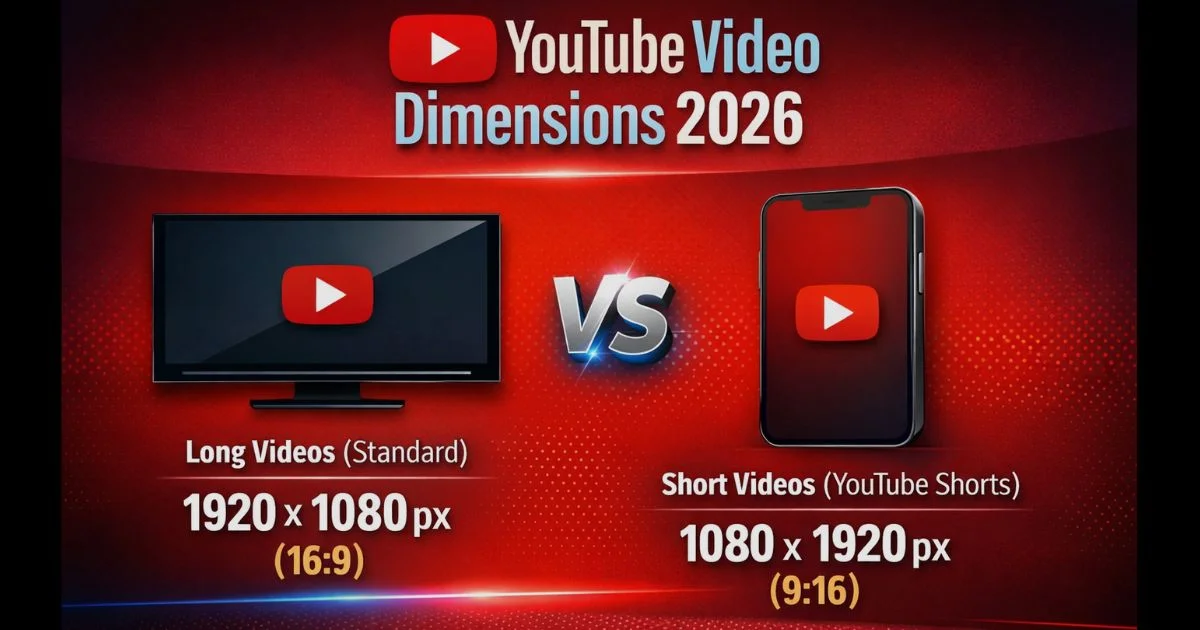
Getting your YouTube video dimensions wrong in 2026 means losing viewers before they even watch. With over 2.5 billion active users, YouTube demands precise technical specs to ensure your content looks sharp on every device.
This guide covers everything: recommended resolutions, aspect ratios, file formats, and platform-specific requirements.
Resolution vs. Aspect Ratio
What Are Video Dimensions? (Pixels Demystified)
Video dimensions refer to the width and height of your video measured in pixels. Think of pixels as tiny colored squares that form your video image—the more pixels you have, the sharper your video looks.
A video with 1920×1080 dimensions means it’s 1920 pixels wide and 1080 pixels tall. This creates over 2 million pixels per frame, delivering crisp Full HD quality that viewers expect in 2026.
YouTube Resolution Standards for 2026
YouTube supports eight main resolution levels ranging from basic to ultra-high definition. Each resolution impacts how clear your video appears across different devices.
Complete YouTube video resolutions for 2026
| Resolution | Dimensions | Quality Level | Best Use Case |
|---|---|---|---|
| 240p | 426 x 240 | Lowest | Very slow connections only |
| 360p | 640 x 360 | Basic | Embedded videos, mobile data saving |
| 480p | 854 x 480 | Standard Definition | Acceptable for mobile viewing |
| 720p | 1280 x 720 | HD (Minimum) | Budget option, slower internet |
| 1080p POPULAR | 1920 x 1080 | Full HD (Recommended) | Standard for all creators |
| 1440p | 2560 x 1440 | 2K QHD | Professional content, gaming |
| 2160p | 3840 x 2160 | 4K Ultra HD | Premium quality, future-proofing |
| 4320p | 7680 x 4320 | 8K | Emerging, limited device support |
Best YouTube Video Dimensions by Content Type
Standard YouTube Videos (Long-Form Content)
Upload your regular YouTube videos at 1920×1080 resolution with a 16:9 aspect ratio. This Full HD format delivers crisp quality without massive file sizes that slow down uploads.
For premium content, use 2560×1440 (1440p) or 3840×2160 (4K). Gaming channels, tech reviews, and travel vlogs benefit most from higher resolutions. YouTube’s algorithm slightly favors 4K content in recommendations.
Technical requirements for standard uploads:
- Maximum file size: 256GB
- Maximum video length: 12 hours
- Recommended format: MP4 with H.264 codec
- Audio codec: AAC-LC at 48kHz or 96kHz
Record in 4K but upload in 1080p if you have slow internet. You maintain quality while ensuring faster processing times.
YouTube Shorts Dimensions (Vertical Video)
YouTube Shorts must use 1080×1920 dimensions (9:16 aspect ratio). This vertical format is non-negotiable—horizontal videos won’t qualify as Shorts and miss out on the dedicated Shorts feed.
The platform accepts 720×1280 as a lower-quality alternative, but don’t use it. Shorts compete with TikTok and Instagram Reels, where quality matters. Viewers instantly notice pixelated content and scroll past.
Shorts-specific requirements:
- Maximum length: 3 minutes (though 15-60 seconds performs best)
- Maximum file size: 60MB
- Optimal file size: 10MB for fastest upload and processing
- Aspect ratio: 9:16 only (no horizontal videos)
YouTube’s Shorts algorithm prioritizes videos under 30 seconds for the main Shorts feed. Longer Shorts still qualify but get less initial distribution.
YouTube Thumbnail Specifications
Create thumbnails at 1280×720 pixels with a 16:9 aspect ratio. This matches your video player exactly and displays sharp across all devices from mobile to 4K TVs.
Your thumbnail file size can’t exceed 2MB. Use JPG format for photos and PNG for graphics with text. Keep important elements in the center—mobile viewers see a cropped version.
Avoid tiny text or complex designs. YouTube displays thumbnails as small as 196×110 pixels in suggested video sidebars. Test your thumbnail at small sizes before uploading.
2026 YouTube Dimension Trends & Future-Proofing
What’s Changing in YouTube Video Requirements
YouTube’s algorithm increasingly favors 4K content in recommendations. Internal data shows 4K videos receive 20% more impressions in suggested video feeds compared to 1080p equivalents with similar engagement.
Mobile-first optimization dominates in 2026. Over 70% of YouTube watch time happens on mobile devices. Vertical and square formats gain traction as creators adapt to smartphone viewing habits.
HDR (High Dynamic Range) support expands across the platform. Videos uploaded with HDR metadata display richer colors and improved contrast on compatible devices. YouTube now processes HDR in 1080p, 1440p, and 4K resolutions.
360-degree and VR video standards continue evolving. YouTube accepts up to 8K resolution for immersive content. These formats require specialized cameras and editing but create unique viewer experiences.
Platform-Specific Optimization
Cross-posting content requires different dimensions for each platform. A 16:9 YouTube video needs reformatting for TikTok (9:16), Instagram (1:1 or 4:5), and Facebook (1:1 or 16:9).
Multi-platform dimension comparison
Create master files in the highest resolution you’ll need across platforms. Export platform-specific versions from this master rather than re-editing for each destination.
Smart creators film in 4K with center-framed subjects. This allows cropping to vertical 9:16 for Shorts/ TikTok while maintaining horizontal 16:9 for YouTube—all from one recording session.
Other Dimension: Left Chest Logo Size and Placement By Professional Guide (2026)
FAQ’s
Is a YouTube video 1920×1080?
Yes, 1920×1080 is the most common YouTube video dimension. This Full HD resolution with 16:9 aspect ratio represents the recommended standard for all creators uploading to YouTube in 2026.
Is YouTube 16×9 or 4×3?
YouTube uses 16:9 as its standard aspect ratio. The platform supports 4:3 videos but displays them with black bars (pillar boxing) on desktop and mobile to fit the 16:9 player frame.
What size is a 1920×1080 video frame?
A 1920×1080 video frame measures 1920 pixels wide by 1080 pixels tall, totaling 2,073,600 pixels per frame. This Full HD resolution delivers sharp, professional quality across all devices.
What are the dimensions of a YouTube video?
YouTube supports dimensions from 426×240 (240p) up to 7680×4320 (8K). The platform recommends 1920×1080 for standard videos and 1080×1920 for YouTube Shorts as optimal dimensions.
Which is better, 4:3 or 16:9?
16:9 is better for YouTube because it matches the platform’s native player format. This widescreen ratio fills the entire screen on desktop and mobile without black bars, maximizing viewer experience.
How to convert 16/9 video to 9/16?
Use video editing software to rotate or crop your footage. Most editors include vertical format presets. Alternatively, export your 16:9 video with black bars on the sides to create the 9:16 frame.
Is 1.33 the same as 4:3?
Yes, 1.33:1 equals the 4:3 aspect ratio (4 divided by 3 equals 1.33). Both expressions refer to the traditional television screen format, now largely replaced by 16:9 widescreen.
Is 1080p 4:3 or 16:9?
1080p standard resolution (1920×1080) is 16:9 aspect ratio. While technically possible to create 1080p height in 4:3 format (1440×1080), the term “1080p” universally refers to the 16:9 Full HD standard.
Is 4K 4096 or 3840?
For YouTube, 4K means 3840×2160 pixels (UHD standard). The 4096×2160 resolution is DCI 4K used in cinema production. YouTube uses the consumer UHD standard matching home displays.
Conclusion
YouTube video dimensions directly impact your content’s success. Upload at 1920×1080 minimum for standard videos and 1080×1920 for Shorts. Use 16:9 aspect ratio to fill screens without black bars.
Higher resolutions like 4K future-proof your content as device quality improves. But proper lighting and stable footage matter more than raw pixel counts for viewer satisfaction.