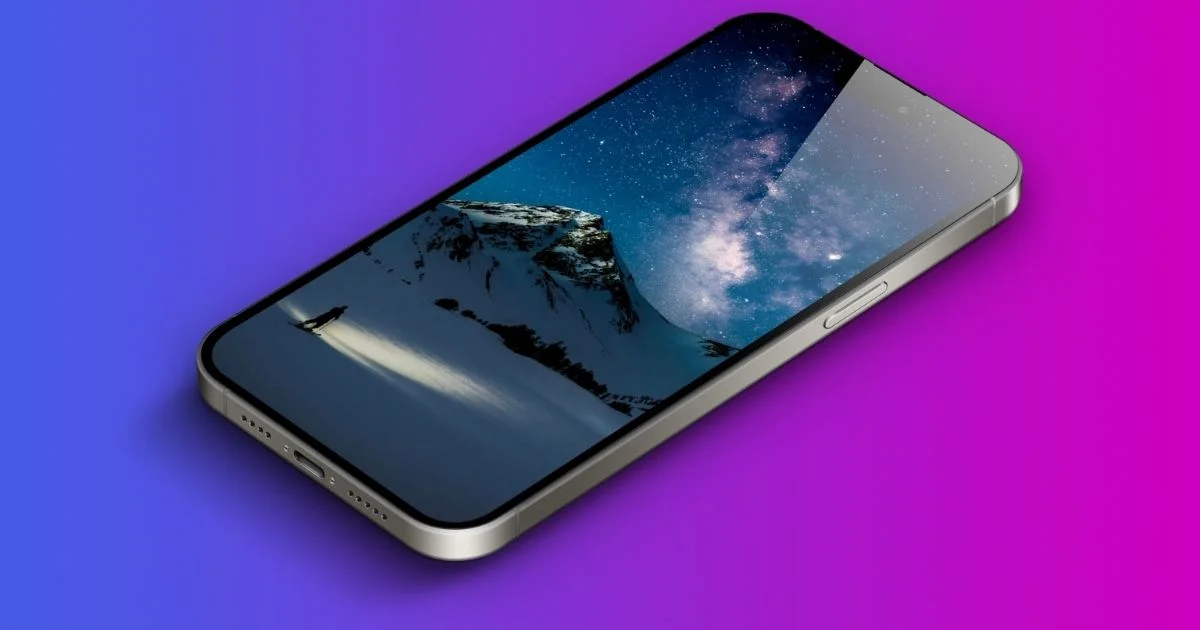
Ever set a wallpaper on your iPhone only to find it cropped weirdly or looking blurry? You’re not alone. The problem isn’t your image—it’s the dimensions.
Modern iPhones use specific wallpaper sizes that vary by model. Using the wrong dimensions causes distortion, pixilation, and awkward cropping.
What Are iPhone Wallpaper Dimensions?
Your iPhone’s native resolution determines the ideal wallpaper size. For example, the iPhone 15 Pro uses 1,179 × 2,556 pixels. Using images smaller than this creates blur. Using larger images works fine—iOS scales them down without quality loss.
Screen resolution and wallpaper dimensions are technically the same number, but here’s the catch: iOS adds a parallax effect that shifts your wallpaper slightly when you tilt your phone. This means iOS actually uses a slightly larger image area than what’s visible.
The pixel density (PPI) also matters. iPhones pack 460+ pixels per inch, which is why they look so sharp. Your wallpaper needs to match this density to avoid looking grainy or pixelated on these high-resolution displays.
iPhone Wallpaper Dimensions
Click the copy icon (📋) to copy Model + Specs.
How to Find Your iPhone Wallpaper Dimensions?
Not sure which iPhone you have? Here are four simple ways to find your exact wallpaper dimensions.
Method 1: Check Your Model Number
Go to Settings > General > About. Look for Model Name (shows “iPhone 14 Pro” etc.). Match it to the chart above for instant dimensions.
This takes 10 seconds and gives you the most accurate information. No guessing, no apps needed.
Method 2: The Screenshot Trick
Take a screenshot (press Side Button + Volume Up on Face ID iPhones). Open Photos app and tap the screenshot. Tap the info icon (i) at the bottom.
You’ll see dimensions like “1179 × 2556″—that’s your perfect wallpaper size. This method works even if you don’t know your model name.
Method 3: Use a Wallpaper Detection App
Apps like Wallpaper Size Finder automatically detect your screen dimensions. Download one, open it, and it shows your exact specs instantly.
These apps often include wallpaper libraries sized perfectly for your device. Two tools in one.
Method 4: Check Apple’s Official Specs
Visit Apple’s technical specifications page. Search your model number. Look for “Display” section to find native resolution.
This works great if you bought a secondhand iPhone and want to verify the model before downloading wallpapers.
Other Dimensions: What Are Standard Garage Door Dimensions?
FAQ’s
Is 16:9 wallpaper size?
Yes, 16:9 is a valid wallpaper size for certain devices. Old TVs, computer monitors, and iPhone SE models use this ratio. However, modern iPhones from the iPhone 12 onward use taller ratios like 19.5:9.
What is the iPhone 17 wallpaper size?
The iPhone 17 hasn’t been officially released yet. Based on Apple’s pattern, expect similar dimensions to the iPhone 16 series: approximately 1,179 × 2,556 pixels for standard models and 1,320 × 2,868 pixels for Pro Max.
Should I use 4:3 or 16:9 on iPhone?
Neither ratio works well for modern iPhones. The 4:3 ratio is square-like and hasn’t been used since old iPads. The 16:9 ratio only fits iPhone SE and older models.
How big is the iPhone 14 wallpaper?
iPhone 14 wallpaper dimensions are 1,170 × 2,532 pixels. The iPhone 14 Plus uses 1,284 × 2,778 pixels. The iPhone 14 Pro requires 1,179 × 2,556 pixels, and the iPhone 14 Pro Max needs 1,290 × 2,796 pixels.
What is the size of an iPhone 14 screen?
The iPhone 14 screen measures 6.1 inches diagonally with a 1,170 × 2,532 pixel resolution. This translates to 460 pixels per inch (PPI)—one of the sharpest displays available.
Which iPhone has a 6.9 display?
The iPhone 16 Pro Max has a 6.9-inch display—the largest ever in an iPhone. Previous Pro Max models (iPhone 15, 14, 13) featured 6.7-inch screens.
How to make picture fit wallpaper on iPhone 14?
Open Settings > Wallpaper > Add New Wallpaper. Select your image. Use pinch-to-zoom to adjust size. Drag the image to reposition it until important elements are visible..
How to make iPhone 14 wallpaper?
Use apps like Canva or Adobe Express to create custom wallpapers. Set canvas dimensions to 1,170 × 2,532 pixels for iPhone 14. Add your design elements, text, or photos.
Export as PNG for graphics or HEIC for photos. Transfer to your iPhone via AirDrop or iCloud Photos. Then follow the standard wallpaper setup process in Settings.
Conclusion
Getting your iPhone wallpaper dimensions right transforms your screen from good to stunning. Modern iPhones use specific pixel measurements and aspect ratios that differ significantly from older 16:9 displays.
Use the dimension chart for your exact model. Remember: iPhone 14 and 15 series typically use 1,170 × 2,532 or 1,290 × 2,796 pixels. iPhone 16 Pro models introduced slightly different specs.
